Case study · Microsoft Office
Designing Office for Android
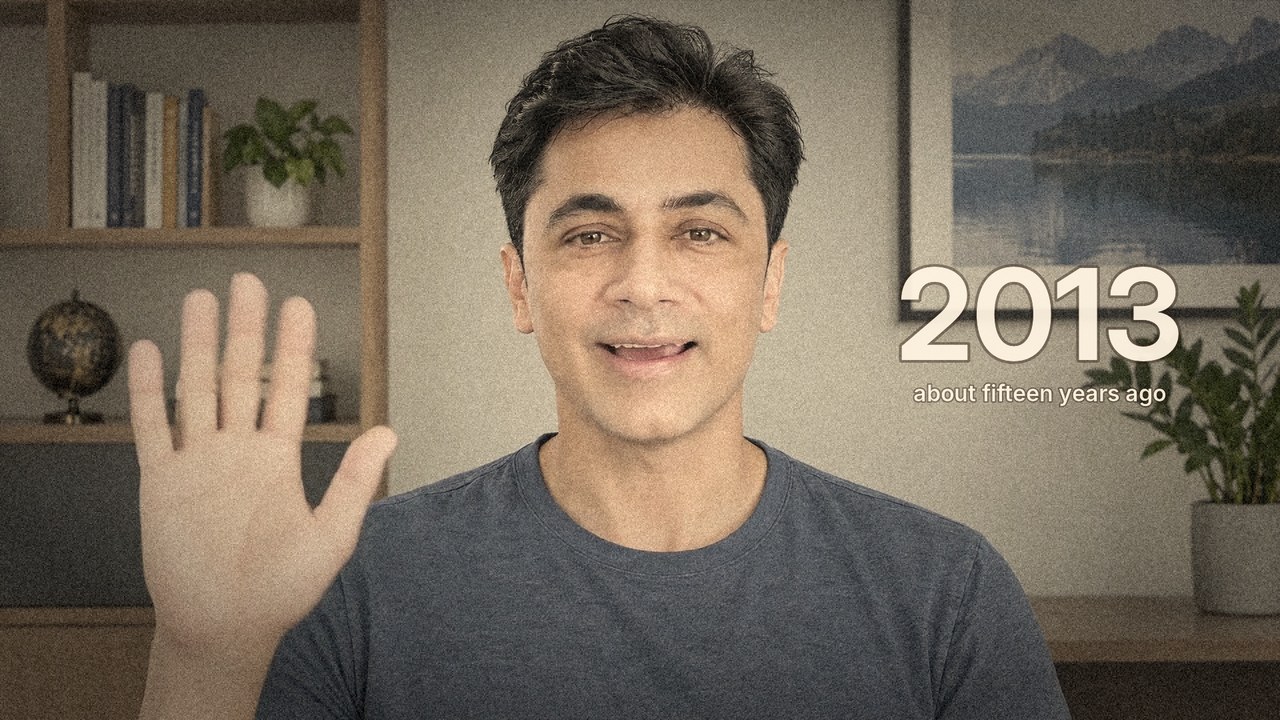
AI-generated video, told by a younger me, around 2013. My voice, my words. Watch on YouTube
The threat
In the early 2010s, Android was growing fast. With it came a wave of clone apps that looked like Word, Excel and PowerPoint. Most people couldn't tell a clone from the original, and the original wasn't on the Play Store. We were losing mindshare, and market share.
The bet
So we set out to put Microsoft's best-known productivity apps on Android. It was one of the first times Microsoft launched a flagship product on a competing platform, and on mobile at that.
My role
I was the design lead for Office on Android, leading a design and research team of four, including me. Our job was to tie what users needed to what the business needed.
Not a shrunk-down desktop
Word, Excel and PowerPoint do a huge amount. The question wasn't how to fit all of it on a phone. It was which jobs matter on the go: reviewing a document, making a quick edit, leaving a comment. We designed around those.
Familial or familiar?
Our biggest debate was between two kinds of familiarity. Do we carry the Office family people knew from Windows, or feel native to Android?
We found a balance. We didn't copy the ribbon, but we carried its styling and the feel of Office menus into controls on the canvas. For fuller tasks, we used Android's own half sheets and share sheets.
A patent along the way
I filed one of my first patents on this work: pinning a cloud document to your phone's home screen, and keeping it in sync with the cloud.
Outcome
We built all three apps from scratch and launched them on the Play Store in under a year. Within the first few years, they reached around a billion installs and downloads across Word, Excel and PowerPoint.
What I learned
You don't win on mobile by porting everything. You win by choosing the right scenarios, and making them effortless.
Story and details by Amit Dangwal. Drafted with the help of Claude.